
For solo business owners, understanding your financials shouldn't require an accounting degree. If you've ever opened accounting software and stared blankly at a list called "Chart of Accounts" wondering what on earth you're looking at, you're not alone.
Most solo entrepreneurs just want to know: Am I making money? Can I pay my bills? The accounting layer often feels like it's getting in the way of those simple questions. It doesn't have to. Let's break it down.
What Is a Chart of Accounts?
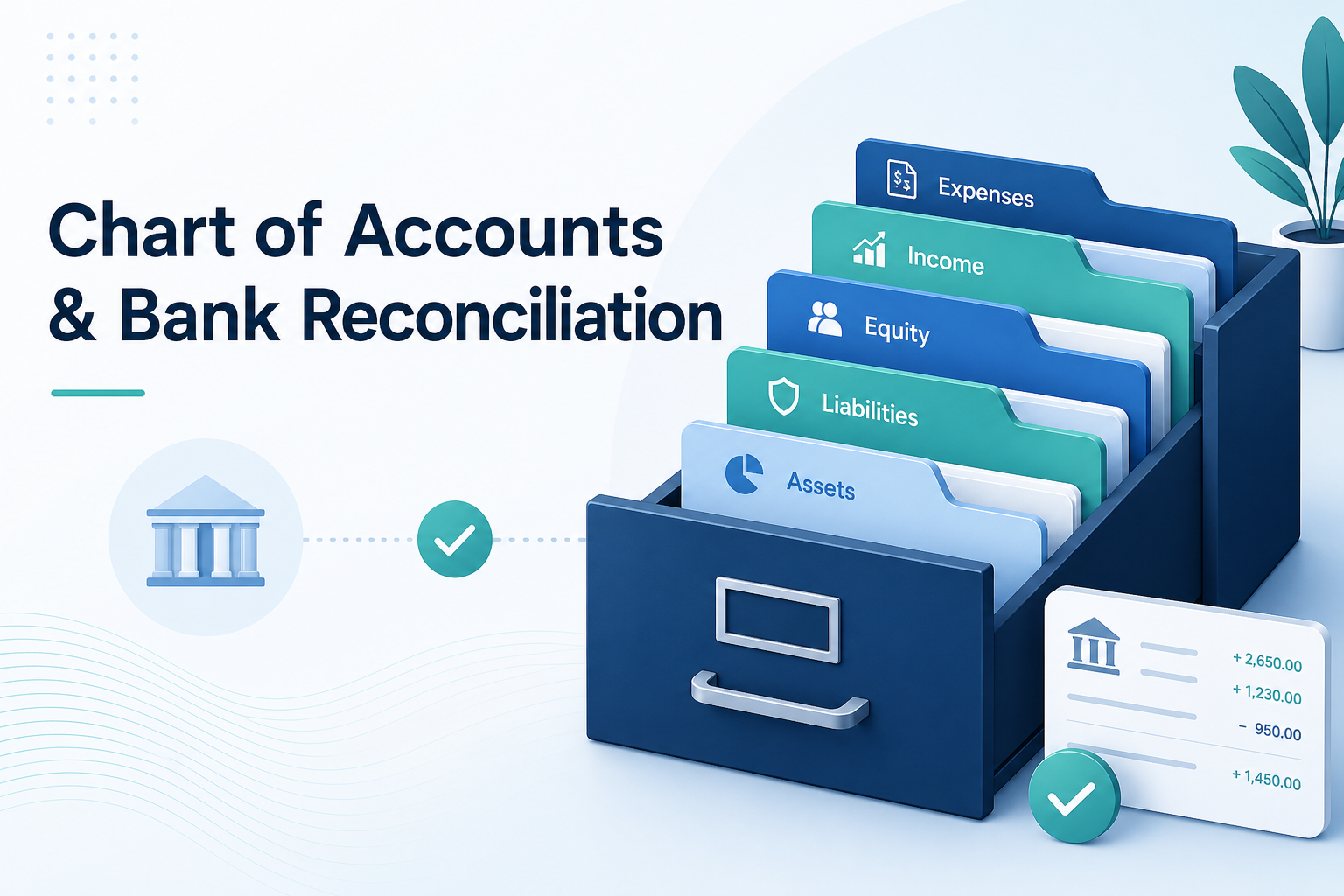
Think of your Chart of Accounts (CoA) as a filing cabinet for your entire financial life. Every drawer is labelled, and every transaction in your business gets filed into exactly the right place.
It's simply a list of categories your business uses to track money coming in and going out. Every transaction you ever make gets assigned to one of these categories. There are five big drawers in that cabinet:
- Assets — Things you own: bank balance, equipment, receivables.
- Liabilities — Things you owe: credit card debt, loans, unpaid bills.
- Equity — Your stake in the business: owner's funds, retained earnings.
- Income — Money coming in: sales, consulting fees, rent income.
- Expenses — Money going out: software subscriptions, fuel, office supplies.
Every account in your CoA sits in one of these five buckets. A simple solo business might have 30–50 accounts. A large corporation might have thousands. You only need as many as are useful to you.
A Practical Example
Say you run a small property investment business. Your CoA might look something like this:
Income
- Rental Income – Unit A
- Rental Income – Unit B
Expenses
- Property Management Fees
- Repairs & Maintenance
- Insurance
- Council Rates
- Mortgage Interest
Assets
- Bank – Operating Account
- Bank – Savings
- Investment Property – Unit A
Liabilities
- Mortgage – Unit A
That's it. Clean, purposeful, yours.
Why Does the CoA Matter?
Your CoA determines the quality of your financial reports. If your categories are too vague (everything dumped into "General Expenses"), your Profit & Loss report tells you almost nothing useful. If they're well-structured, you can instantly see which income streams are strongest, where you're overspending, and what your net position looks like at tax time.
It's the skeleton your entire financial picture is built on. A good CoA doesn't just help with accounting—it helps you make better business decisions.
Bank Reconciliation: Filing the Receipts
Now that you understand the filing cabinet, let's talk about bank reconciliation. This is the process of making sure everything that happened in your bank account is correctly filed in your CoA.
Here's the core idea: your bank knows what happened. Reconciliation is proving that your books agree. When your bank statement shows a $350 debit on the 15th, reconciliation answers the question: "What account in my CoA does this belong to?" Maybe it's Repairs & Maintenance. Maybe it's Property Management Fees. Once you've matched every transaction to an account, your books and your bank balance align, and you're reconciled.
The Reconciliation Process, Step by Step
1. Import your bank transactions
Most modern accounting tools (including BizSolo) connect directly to your bank and pull in transactions automatically. No manual entry needed.
2. Categorise each transaction
For every transaction, you assign it to an account in your CoA. Was that $82 charge a software subscription? File it under Software & Subscriptions. Was that $2,100 deposit rent from a tenant? File it under Rental Income. Over time, smart tools learn your patterns and suggest the right category automatically.
3. Match to your statement
Once all transactions are categorised, you compare your running balance in the software against your actual bank statement balance. They should match to the cent.
4. Investigate discrepancies
If they don't match, something's missing or doubled up. Common culprits: a transaction you forgot to enter, a bank fee that slipped through, or a duplicate import. Most of the time, it's obvious what went wrong.
5. Mark as reconciled
Once everything agrees, you lock the period. Those transactions are now part of your verified financial history.
Common Mistakes to Avoid
Dumping everything into "Miscellaneous"
This is the accounting equivalent of throwing everything in a junk drawer. It destroys the usefulness of your reports. If you're unsure where something belongs, take 30 seconds to figure it out.
Skipping months and then trying to catch up
Reconciling monthly takes 15 minutes. Reconciling six months all at once takes half a day, and you'll misremember what half those transactions were. Stay on top of it monthly.
Having too many accounts
More isn't better. If you have separate accounts for "Coffee" and "Client Coffee" and "Coffee at conferences," consolidate. Your CoA should reflect decisions you actually care about.
Confusing your personal and business finances
If they're mixed together, reconciliation becomes a nightmare. Keep a separate bank account and separate card. Always.
The Payoff
When your CoA is sensible and your reconciliation is up to date, something almost magical happens: you actually trust your numbers.
Your Profit & Loss isn't a vague approximation—it's accurate. Your tax time isn't a scramble—it's a printout. Your business decisions aren't gut feel—they're informed.
That's what good accounting infrastructure gives you: not complexity for its own sake, but clarity on demand. You get to focus on what you're actually good at, knowing your financial foundation is solid.